
Operation Buttons
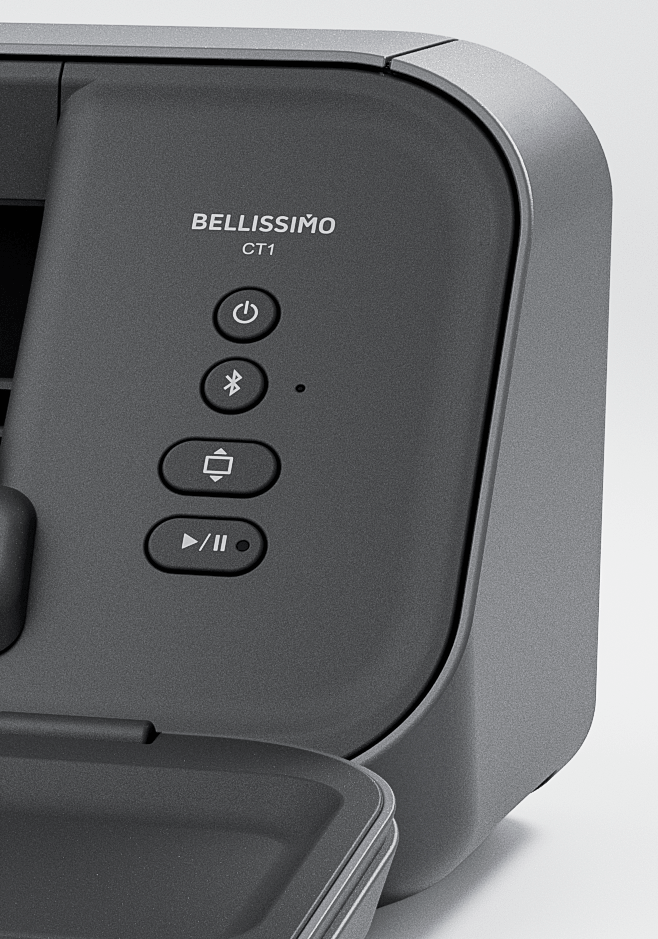
- Power Button
Press and hold to turn the machine on or off. If the machine is not used for a certain period of time, it automatically turns off.
- Bluetooth Button
Press to pair the machine with your mobile device and the Artspira app via Bluetooth®. The LED flashes or lights up, depending on the connection status.
- Feed Button
Feeds the loaded material or mat into or out of the machine. Always use the Feed button when loading or unloading the material or mat.
- Start/Stop Button
Starts or stops machine operation. The LED on the Start/Stop button flashes or lights up, depending on the machine’s status.