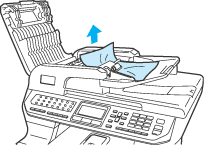
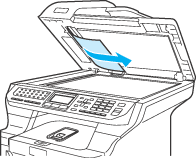
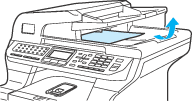
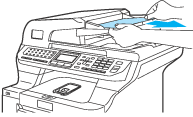
The document may get jammed if it is not inserted or fed properly, or if it is too long. Follow the steps below to clear a document jam.
| 1 | Take out any paper from the ADF that is not jammed. |
| 2 | Open the ADF cover. |
| 3 | Pull the jammed document out to the left. |
| 4 | Close the ADF cover. |
| 5 | Press Stop/Exit. |