


| | |
| 1 | Do one of the following:
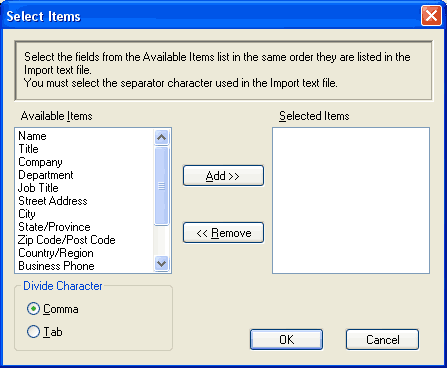 | ||||
| 2 | From the Available Items column, choose the data fields you want to import, and click Add >>.  Note Note | ||||
| 3 | Choose Tab or Comma based on the file format you are importing from Divide Character. | ||||
| 4 | Click OK to import the data. | ||||
| 5 | Enter the name of the file, and then click Open. 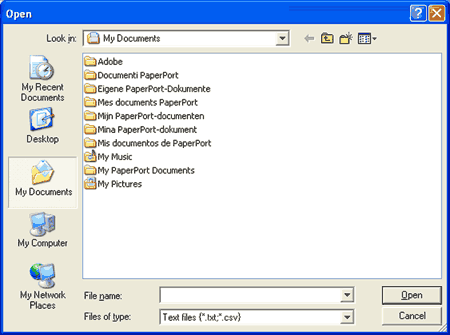 |
Note| | |