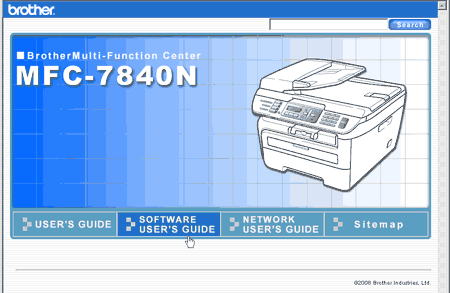
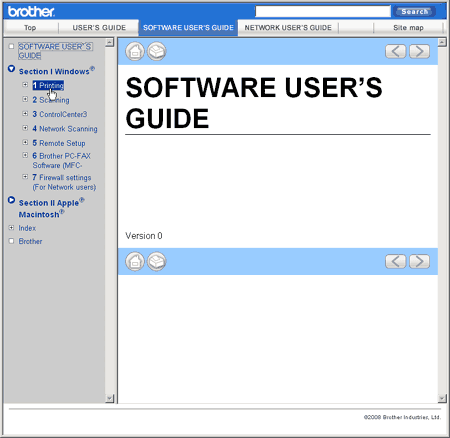
The User’s Guide on the CD-ROM includes the User’s Guide, Software User’s Guide and Network User’s Guide (MFC-7840N only) for features available when connected to a computer (for example, printing and scanning). These guides have easy to use links that, when clicked, will take you directly to a particular section.
You can find information on these features:
| • | Printing |
| • | Scanning |
| • | ControlCenter3 (for Windows®) |
| • | ControlCenter2 (for Macintosh®) |
| • | Remote Setup |
| • | Faxing from your computer |
| • | Network Faxing
(MFC-7840N only) |
| • | Network Printing
(MFC-7840N only) |
| • | Network Scanning
(MFC-7840N only) |

Note
How to read HTML User’s Guide
This is a quick reference for using the HTML User’s Guide.
For Windows®
Note
| 1 | From the Start menu, point to Brother, MFC-XXXX from the programs group, then click User’s Guides in HTML format. |
| 2 | Click on the manual you want (USER’S GUIDE, SOFTWARE USER’S GUIDE or NETWORK USER’S GUIDE (MFC-7840N only)) from the top menu. |
| 3 | Click the heading you would like to view from the list at the left of the window. |