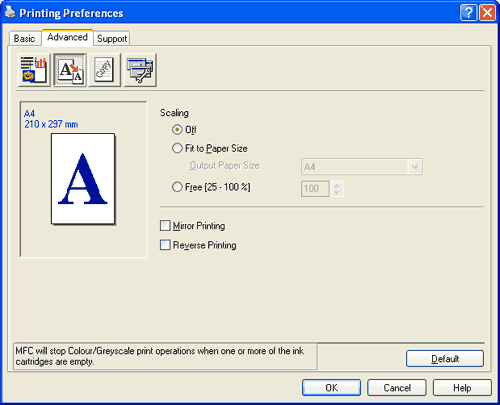
You can change the print size of your document with the Scaling feature.
| • | Choose Off if you want to print the document as it appears on your screen. |
| • | Choose Fit to Paper Size if your document has an unusual size, or if you only have standard size paper. |
| • | Choose Free if you want to reduce the size. |
| • | Check Mirror Printing to reverse the data from left to right. |
| • | Check Reverse Printing to reverse the data up to down. |

Note
| | Mirror Printing is not available when you choose Transparencies as the Media Type. |