| | |
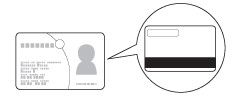
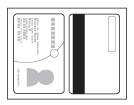
| 1 | Load a plastic card (see Loading Business Cards and Plastic Cards).  Note Note |
| 2 | Click the  (ControlCenter4) icon in the task tray and then select Open from the menu. (ControlCenter4) icon in the task tray and then select Open from the menu.The ControlCenter4 window will appear. Note |
| 3 | Select the Scan tab. 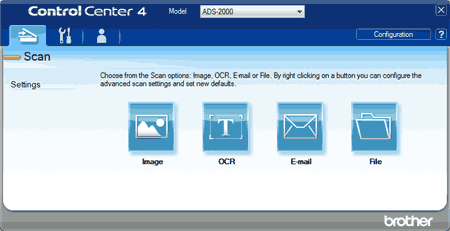 |
| 4 | Right-click the button you want to use (  (Image), (Image),  (OCR), (OCR),  (E-mail), or (E-mail), or  (File)) and then select Button settings from the list. The setting dialog box will appear (the example below uses Image). (File)) and then select Button settings from the list. The setting dialog box will appear (the example below uses Image).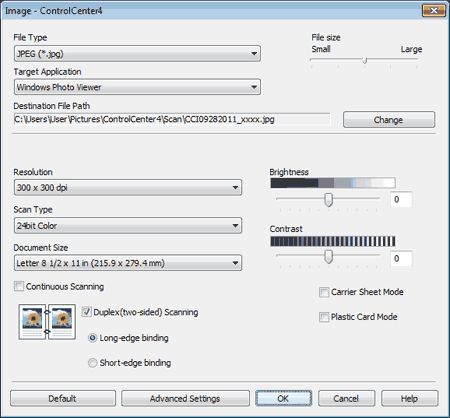 |
| 5 | Check the Plastic Card Mode check box. |
| 6 | Change other settings if needed (see Change Scan Settings). |
| 7 | Click the button you selected in step 4. The message dialog appears. Click the Start Scanning button. The machine starts scanning. |
 Important Note
| | |