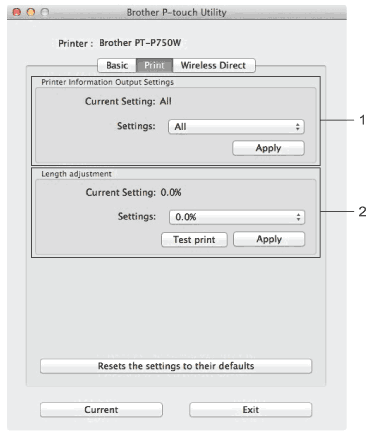
Printer Information Output Settings Specifies the items that will be printed as the printer information. Available settings: [All] Prints all of the information included in the usage log and device settings. [Usage Log] Prints the program version information, missing dot test pattern, printer usage history, and error history. [Printer Settings] Prints program version, device settings information, network settings information, PDL information. |