


| |
|
 Note
Note|
If you are using Windows NT® 4.0, Windows® 2000 or XP, you can access the Printing Preferences dialog box by clicking Printing Preferences... in the General tab of the Brother HL‑5240/HL-5250DN BR‑Script3 Properties dialog box.
|
| • |
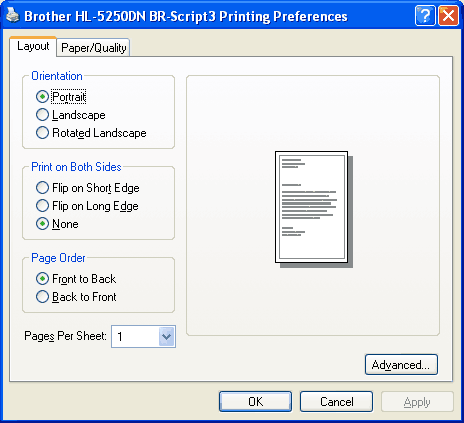
Layout tab
You can change the layout setting by choosing the settings for Orientation, Print on Both Sides (Duplex), Page Order and Pages Per Sheet.
|
| • |
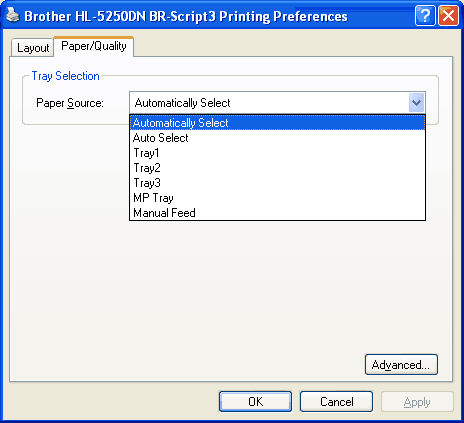
Paper/Quality tab
Choose the Paper Source.
|
| |
|