

Home > Routine Maintenance > Replace Supplies > Replace the Ink Capture Box


Replace the Ink Capture Box
When the Ink Capture Box is full, an LCD message prompts you to replace the box.
- CAUTION
-
If ink gets on your skin or clothing, immediately wash it off with soap or detergent.
If ink gets into your eyes or mouth, rinse thoroughly with water and consult your doctor immediately.
- IMPORTANT
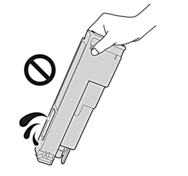
- Keep the Ink Capture Box upright after removal to avoid ink spillage.
- Unplug the machine from the AC power outlet.
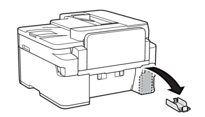
- Press the top tab to remove the Ink Capture Box cover from the back of the machine.
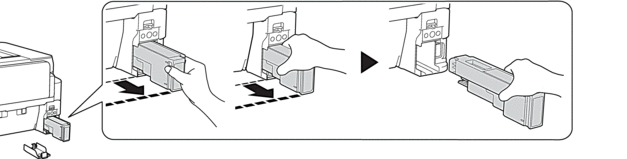
- Pull the Ink Capture Box out to the position indicated by the dotted line in the illustration. Then, holding the Ink Capture Box as shown, carefully remove it.
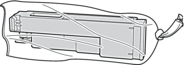
- Place the used Ink Capture Box in the plastic bag provided with the new box. Seal the bag securely and dispose of the used Ink Capture Box.
- NOTE
- Dispose of the used Ink Capture Box according to local regulations.
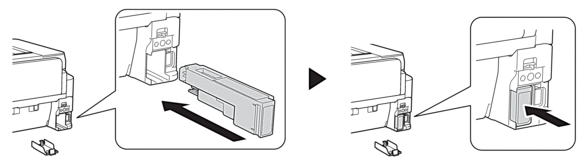
- Carefully insert the new Ink Capture Box into the machine until it locks into place.
- IMPORTANT
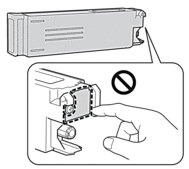
- Do not touch the Ink Capture Box’s circuit board. This may prevent the machine from detecting the new box.
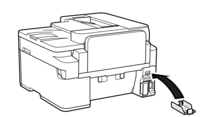
- Reinsert and close the Ink Capture Box cover.
- Reconnect the power cord.
Did you find the information you needed?