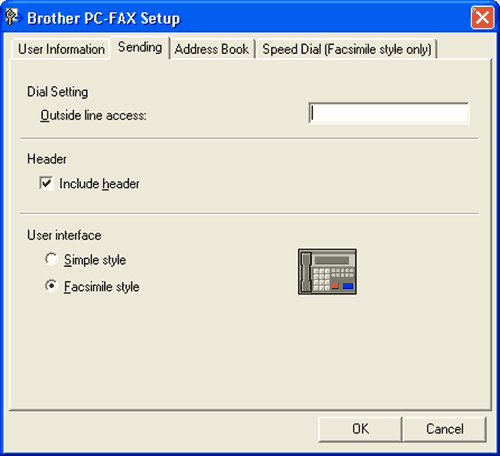
From the Brother PC-FAX Setup dialog box, click the Sending tab to display the screen below.
| • | Outside line access Enter a number to access an outside line here. This is sometimes required by local PBX telephone systems (for example, dialling 9 to get an outside line in your office). |
| • | Include header To add header information to the top of the fax pages, check Include header. |
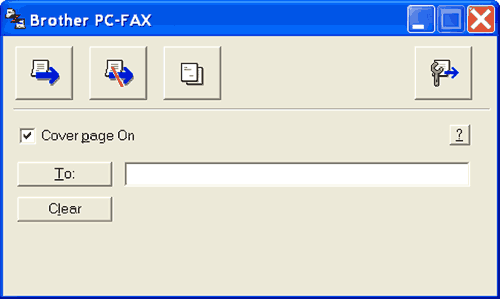
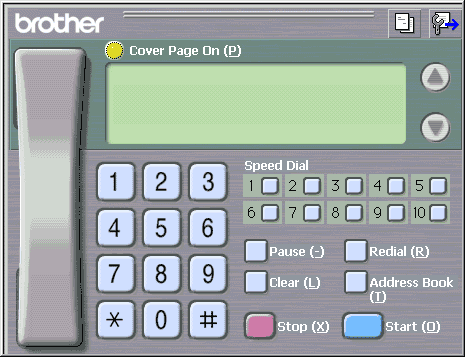
| • | User interface Choose the user interface from two choices: Simple style or Facsimile style. |