


| | |
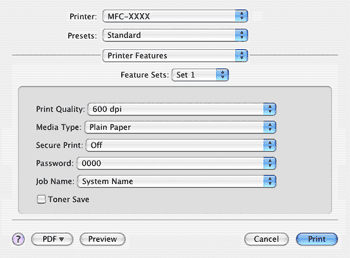
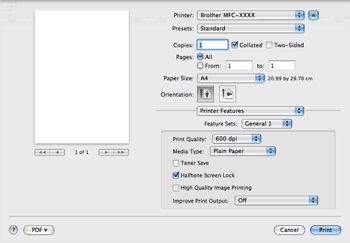
| • | Print Quality You can change the resolution as follows: | ||||
| • | Media Type You can use the following types of media in your machine. For the best print quality, select the type of media that you wish to use. | ||||
| • | Toner Save You can conserve toner using this feature. When you check Toner Save Mode, your prints appear lighter. The default setting is Off.  Note Note | ||||
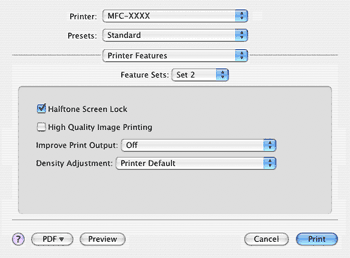
| • | Halftone Screen Lock Stops other applications from modifying the Halftone settings. The default setting is on. | ||||
| • | High Quality Image Printing You can increase the quality of image printing. If you set High Quality Image Printing to On, the printing speed will be slower. | ||||
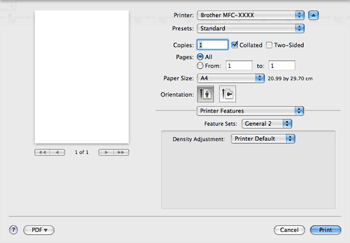
| • | Improve Print Output
|
| | |