

Home > Configuration > Configure the Target Machine (Standalone Mode) > Register an ID Card on the Target Machine


Register an ID Card on the Target Machine
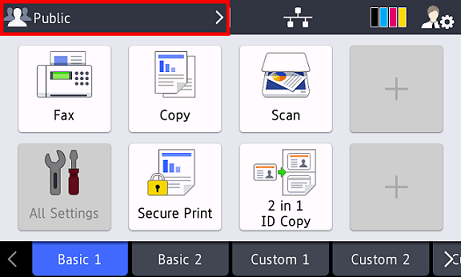
- On the machine's LCD, press the [Public] profile.
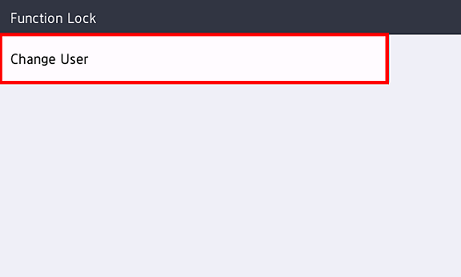
- Press [Change User].
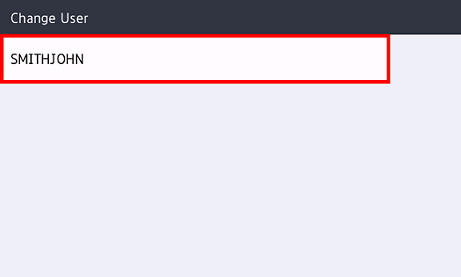
- Press the user name registered in Web Based Management.
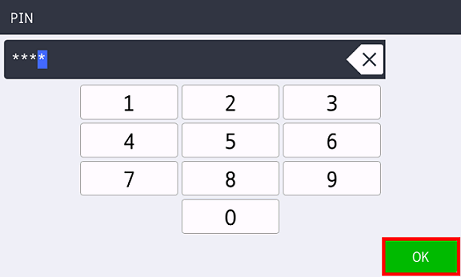
- Enter the PIN you set for the user, and then press [OK].
- Press the user name.
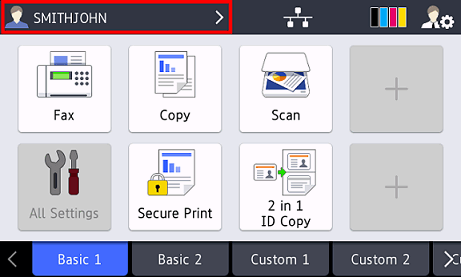
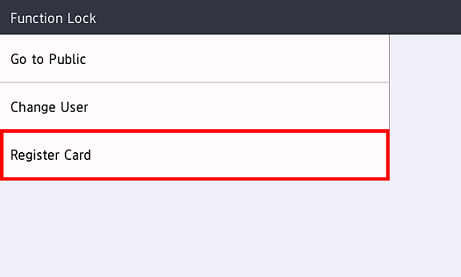
- Press [Register Card].
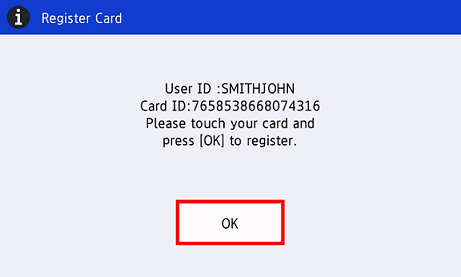
- Touch your ID card to the NFC symbol (
 ) on the machine's control panel. The machine registers the ID card's new ID number.
 - Press [OK].
Did you find the information you needed?