

Home > Routine Maintenance > Clean Your Brother Machine > Clean the Outside of the Machine


Clean the Outside of the Machine
- (DSmobile DS-940DWe) Turn off the machine.
- Disconnect the USB cable from both your scanner and your computer.
- Wipe the outside of the scanner with a dry, soft, lint-free cloth to remove dust.
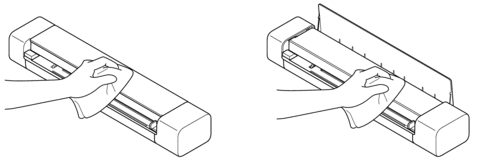
 Wipe the outside of the machine first with a cloth lightly dampened with water or diluted detergent, and then with a dry cloth, if needed.
- Reconnect the USB cable to your scanner and your computer.
Did you find the information you needed?