

Home > Paper Handling > Load Documents > Use the Output Guide


Use the Output Guide
Use the Output Guide if there is not enough space behind the scanner.
The scanned document is ejected as follows:
| When the Output Guide is closed. | 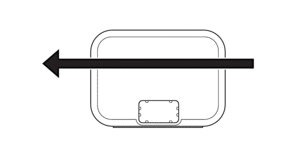 |
| When the Output Guide is open. | 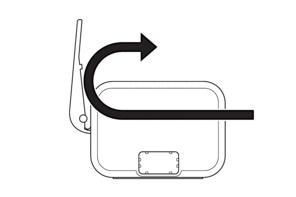 |
- Confirm the paper size and weight can be used to scan documents using the Output Guide.
See Related Information: Acceptable Documents.
- Do not use the Carrier Sheet with the Output Guide.
- Do not scan plastic cards using the Output Guide.
- For better scan results, when scanning documents in high or low temperatures and humidity, we recommend not using the Output Guide.
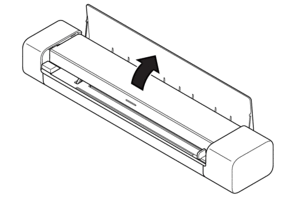
- Open the Output Guide to support scanned documents.
Did you find the information you needed?