

Home > Paper Handling > Load Documents > Load Standard Size Document


Load Standard Size Document
(DSmobile DS-740De/DSmobile DS-940DWe) If you scan the index card or business card, confirm the Output Guide is closed.
- Set your document face up in the Feeder Slot and align the left edge of the page with the Left Edge of the Feeder Slot.
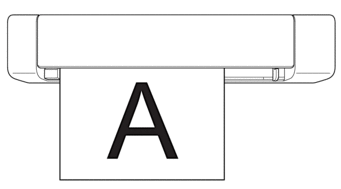
 (DSmobile DS-740De/DSmobile DS-940DWe) When you perform 2-sided scanning, insert the first page face up into the Feeder Slot.
- Slide the Document Guide until it touches the right side of the document.
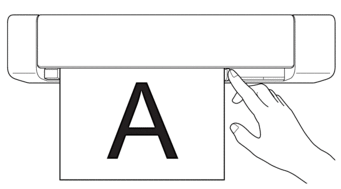
- Gently insert the document until you feel its top edge touch the inside of the scanner.
(DSmobile DS-940DWe) When the machine is in microSD Mode, scanning begins automatically.
Did you find the information you needed?