

Home > Routine Maintenance > Clean Your Brother Machine > Clean the Outside of the Machine


Clean the Outside of the Machine
- Press and hold
 to turn the machine off.
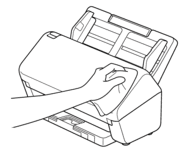
 - Wipe the Control Panel with a dry, soft, lint-free cloth to remove dust.
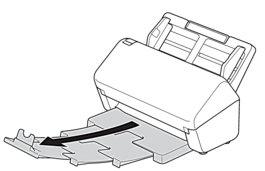
- Extend the Output Tray.
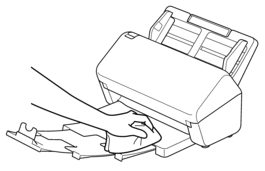
- Wipe the inside of the Output Tray with a dry, soft, lint-free cloth to remove dust.
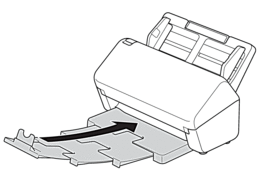
- Firmly push the Output Tray into the machine.
- Press to turn the machine on.
Did you find the information you needed?