Loading Extended Length Documents

Make sure documents with ink or correction fluid are completely dry.
1
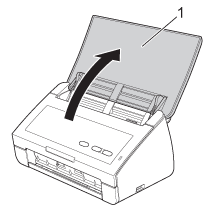
Open the Top Cover (1).
Graphic
2
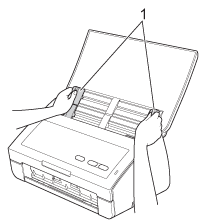
Adjust the Document Guides (1) to fit the width of your document.
Graphic
3
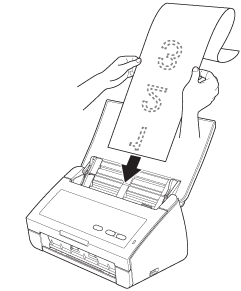
Place your document, face down, top edge first in the document feeder underneath the Guides until you feel it touch the inside of the machine.
Graphic
Note Note
•
Load only one document at a time.
•
Support the document with your hand if the document is longer than the Top Cover.
4
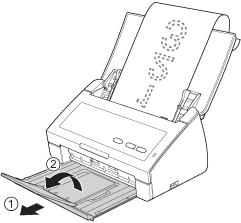
Pull the Output Tray out of the machine and then unfold the Document Stopper.
Graphic