| | |
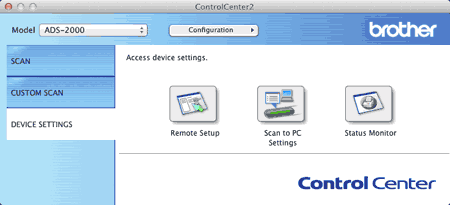
| 1 | Start the ControlCenter application.
| ||||
| 2 | Click the Remote Setup button. The Remote Setup window will appear.  Note Note | ||||
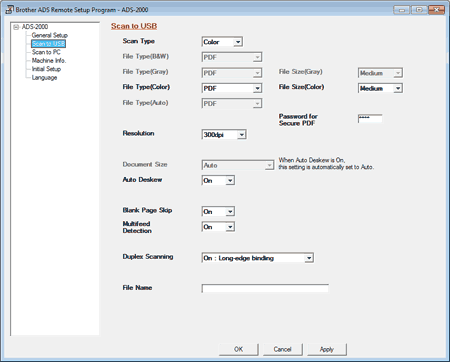
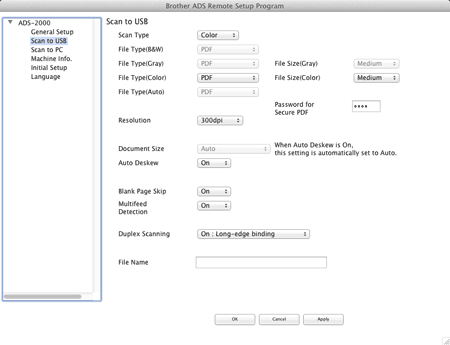
| 3 | Select Scan to USB in the folder tree. | ||||
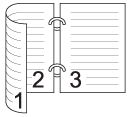
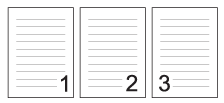
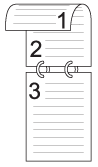
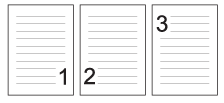
| 4 | Select On : Long-edge binding or On : Short-edge binding from the Duplex Scanning drop-down list depending for the document layout as shown in the following table. | ||||
| 5 | Change other settings if needed (see Change Scan Settings). | ||||
| 6 | Load your document. | ||||
| 7 | Press Scan to USB on the control panel. The machine starts scanning. |
| | |
 (ControlCenter4) icon in the task tray and then select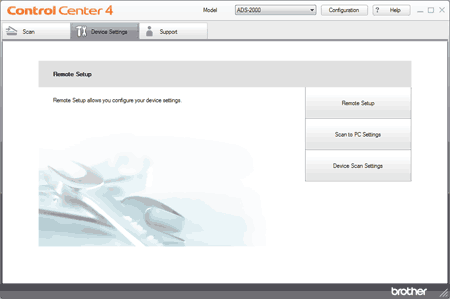
 (ControlCenter2) icon in the menu bar and then select