

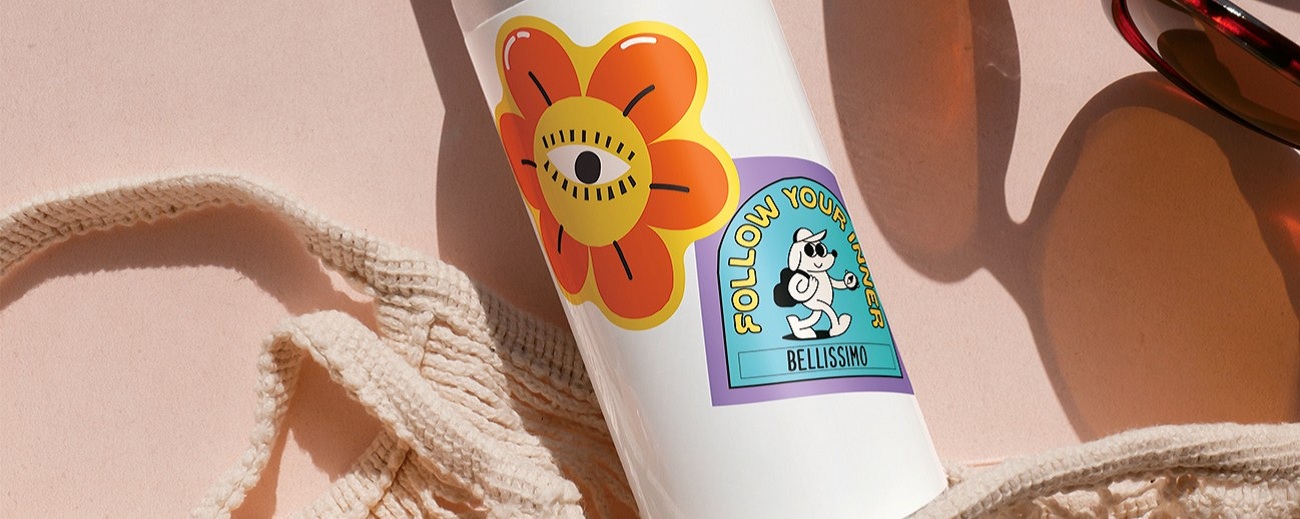
Printable Sticker Sheet
Ideal for creating original stickers.
With this material, you can print your own designs and combine them with cutting data. Registration marks are added to the printed image, allowing the machine to detect the cutting positions and cut around the printed design.
With the [Sticker Maker] tool, you can easily create original stickers.
Matte printable sticker paper [0.24 mm]
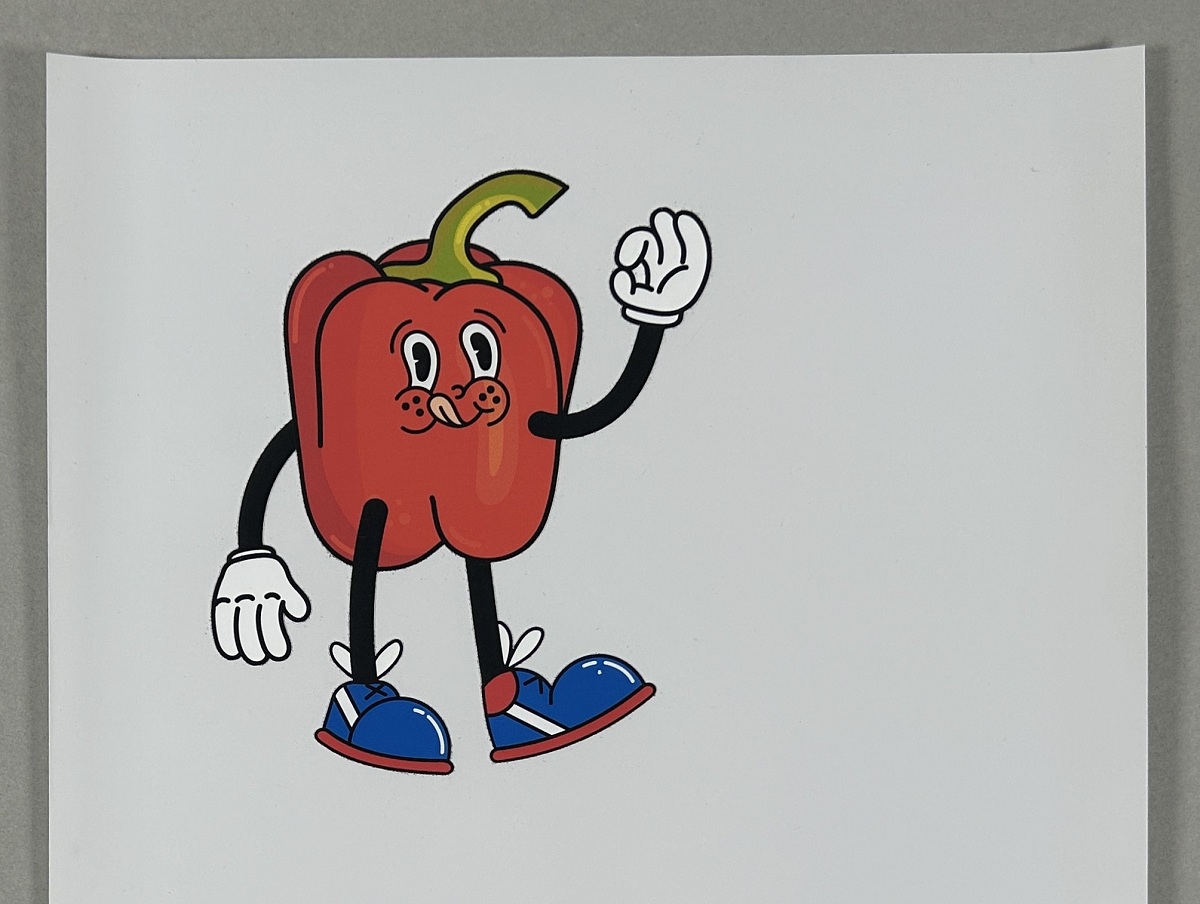
Matless Cutting (Half Cut)
| Cutting Mat | : | Not available |
| Sticker Types | : | Sticker Half Cut |
| Cut Pressure | : | Auto |
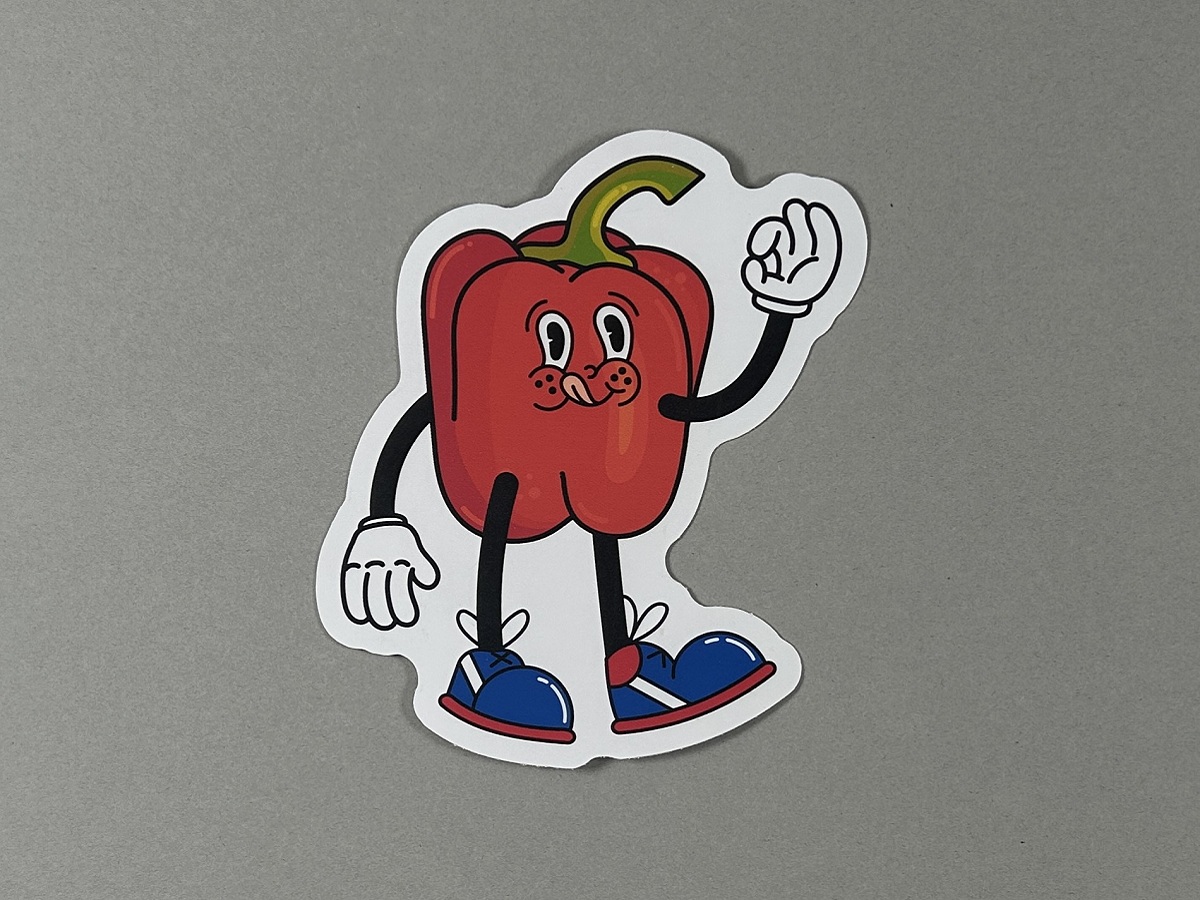
Matless Cutting (with Perforation)
| Cutting Mat | : | Not available |
| Sticker Types | : | Sticker Full Cut |
| Cut Pressure | : | Auto |
Clear printable sticker sheet [0.19 mm]
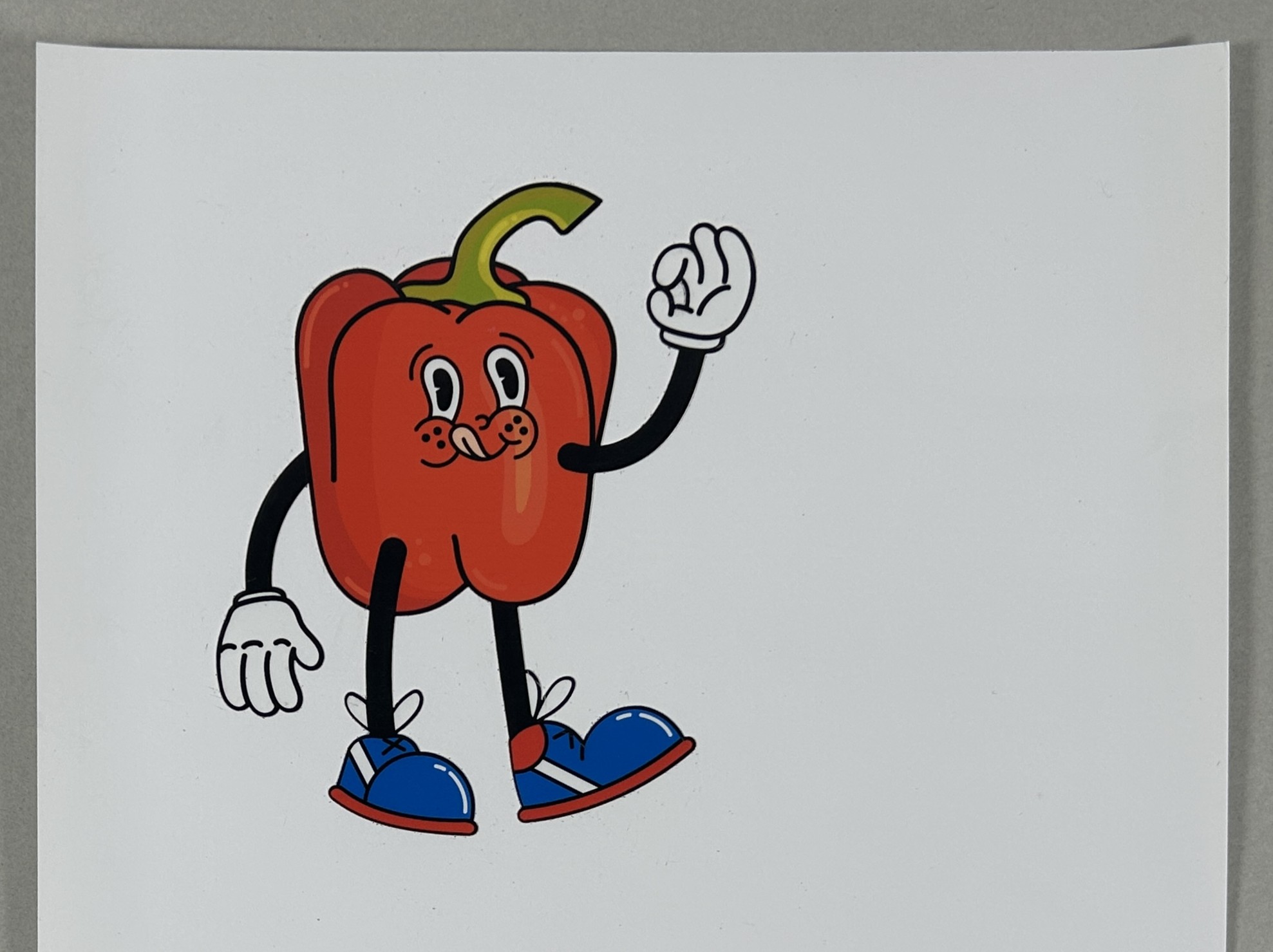
Matless Cutting (Half Cut)
| Cutting Mat | : | Not available |
| Sticker Types | : | Sticker Half Cut |
| Cut Pressure | : | Auto |
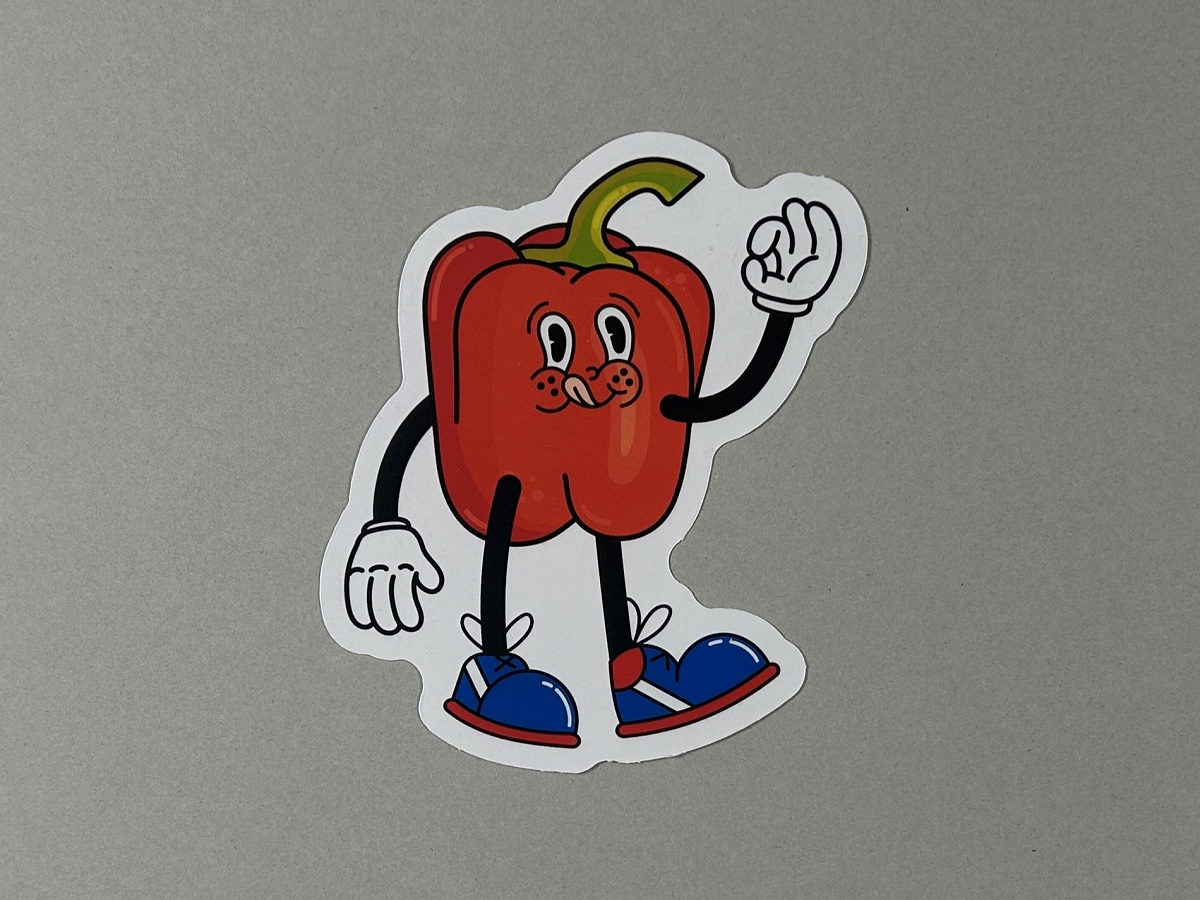
Matless Cutting (with Perforation)
| Cutting Mat | : | Not available |
| Sticker Types | : | Sticker Full Cut |
| Cut Pressure | : | Auto |
Glossy printable sticker sheet [0.18 mm]
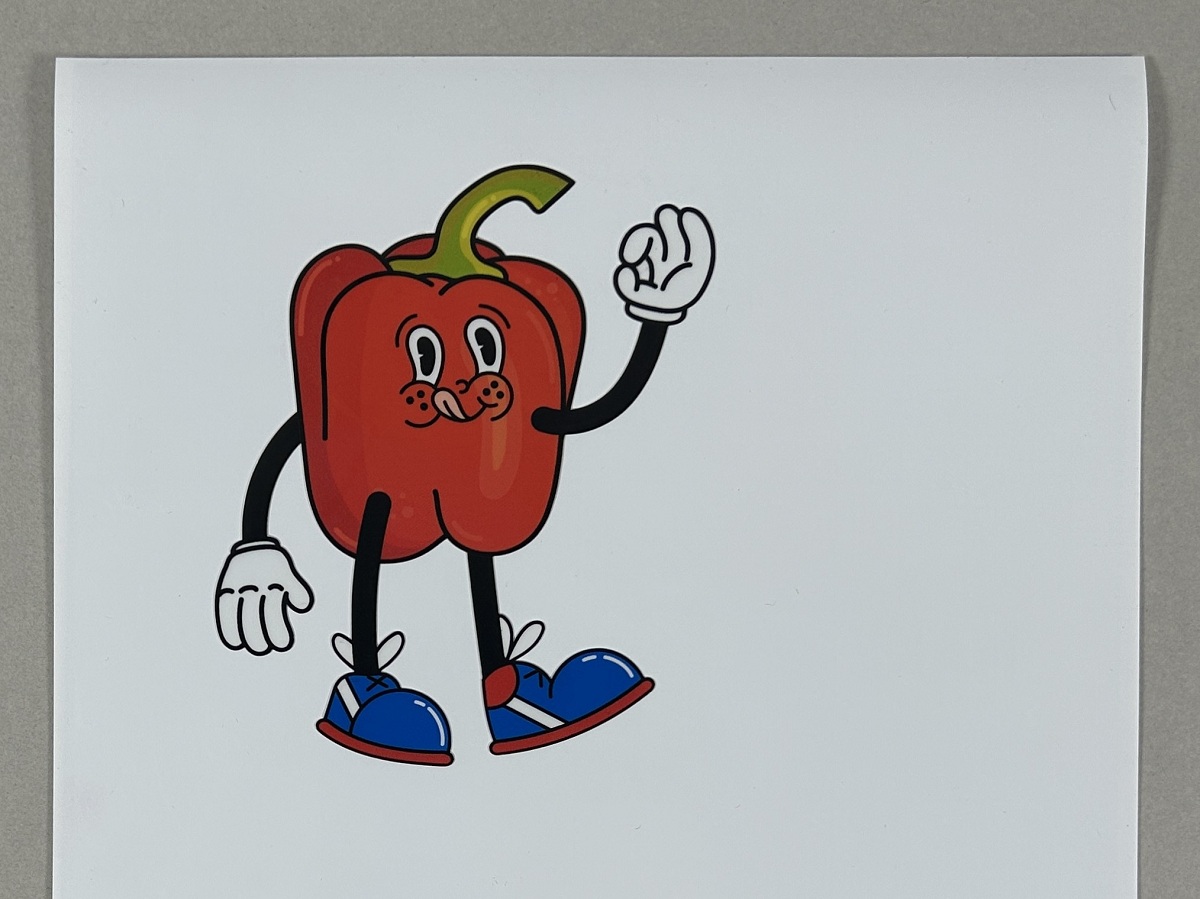
Matless Cutting (Half Cut)
| Cutting Mat | : | Not available |
| Sticker Types | : | Sticker Half Cut |
| Cut Pressure | : | +5 |
| Note | : |
Hard materials require increasing cutting pressure.
Glossy materials may interfere with the machine’s ability to detect the registration marks. |
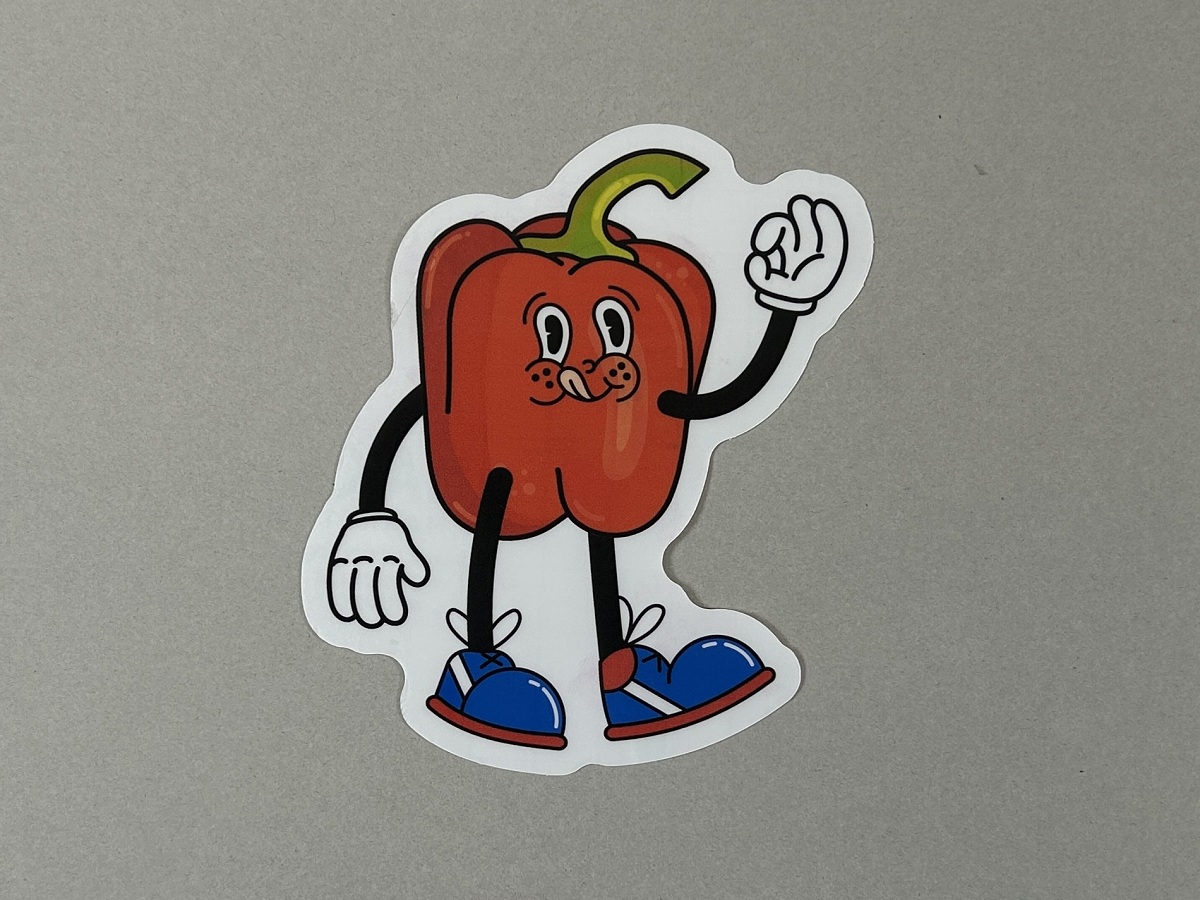
Matless Cutting (with Perforation)
| Cutting Mat | : | Not available |
| Sticker Types | : | Sticker Full Cut |
| Cut Pressure | : | +3 |
| Note | : |
Hard materials require increasing cutting pressure.
Glossy materials may interfere with the machine’s ability to detect the registration marks. |
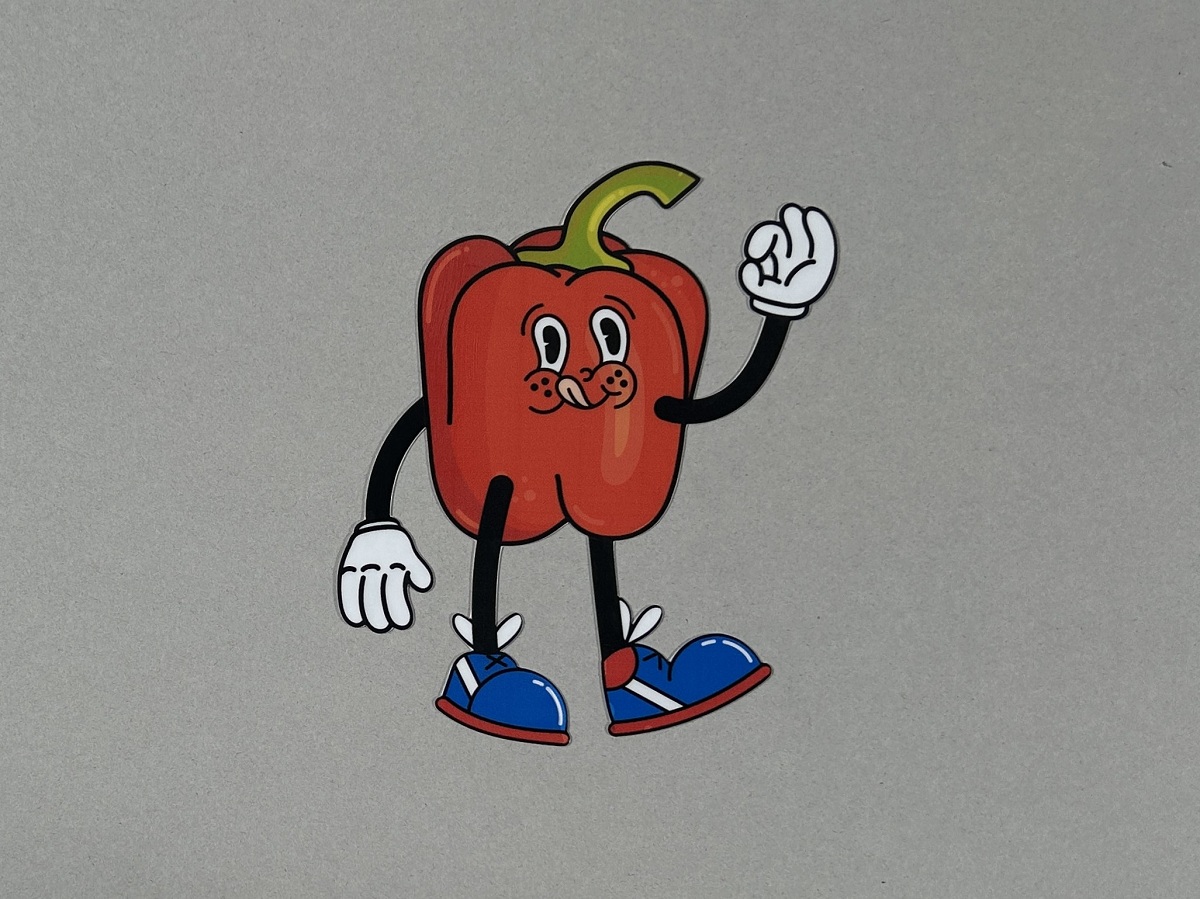
Cutting with a Mat
| Cutting Mat | : | Standard Tack Adhesive Mat |
| Cutting Types | : | *Full Cut |
| Cut Pressure | : | Auto |
| Note | : |
Glossy materials may interfere with the machine’s ability to detect the registration marks.
* When using a cutting mat, please use the [Design Editor] instead of the [Sticker maker] tool. |
Holographic printable sticker sheet [0.2 mm]
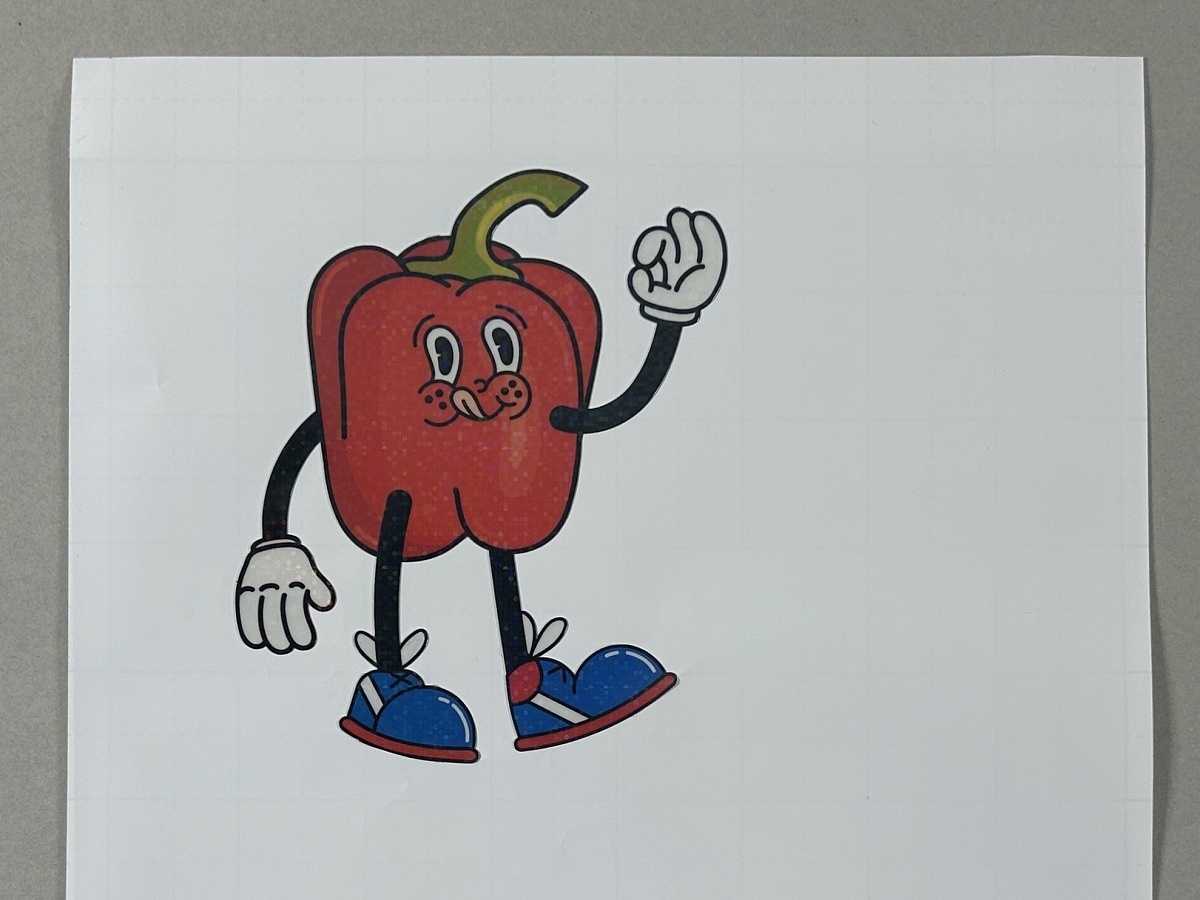
Matless Cutting (Half Cut)
| Cutting Mat | : | Not available |
| Sticker Types | : | Sticker Half Cut |
| Cut Pressure | : | +5 |
| Note | : |
Materials with a two-layer surface require increasing cutting pressure.
Glossy materials may interfere with the machine’s ability to detect the registration marks. |
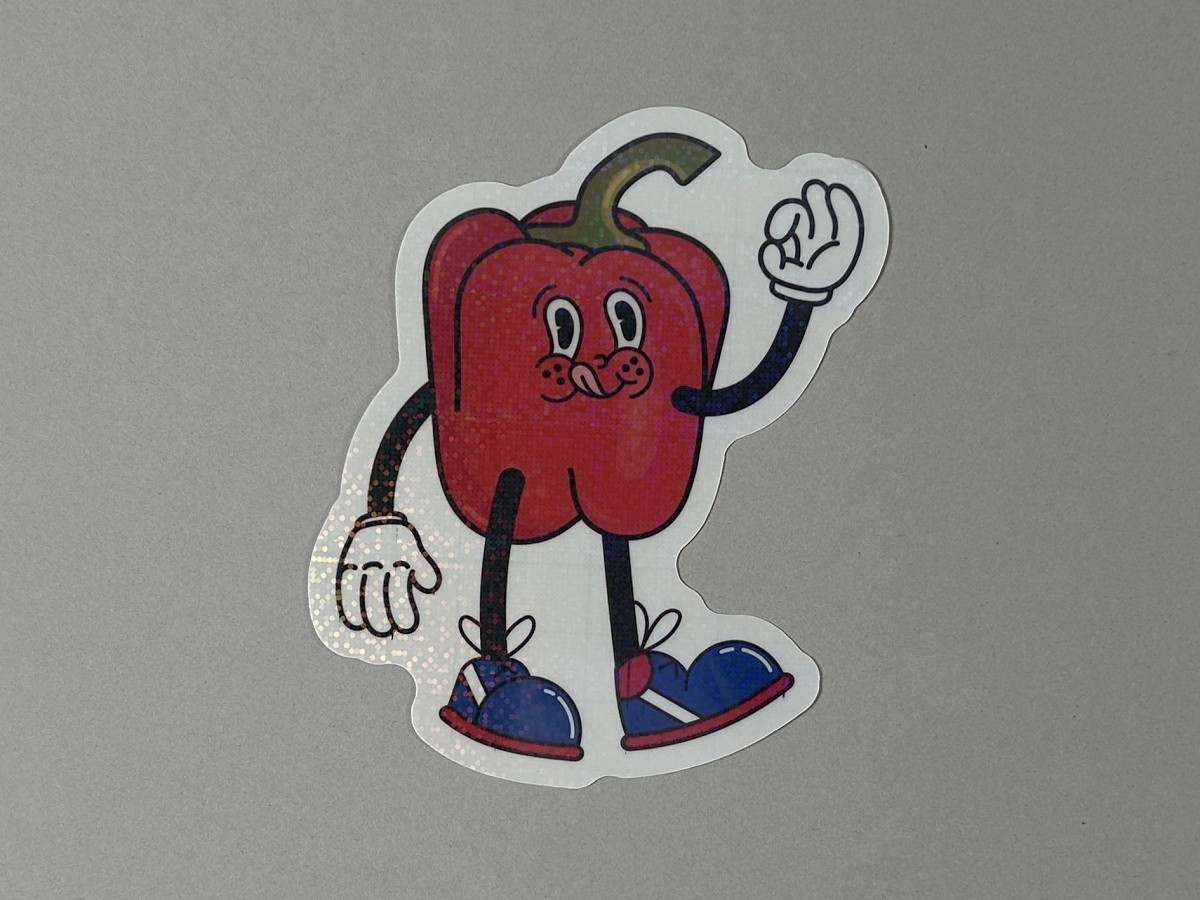
Matless Cutting (with Perforation)
| Cutting Mat | : | Not available |
| Sticker Types | : | Sticker Full Cut |
| Cut Pressure | : | Auto |
| Note | : | Glossy materials may interfere with the machine’s ability to detect the registration marks. |
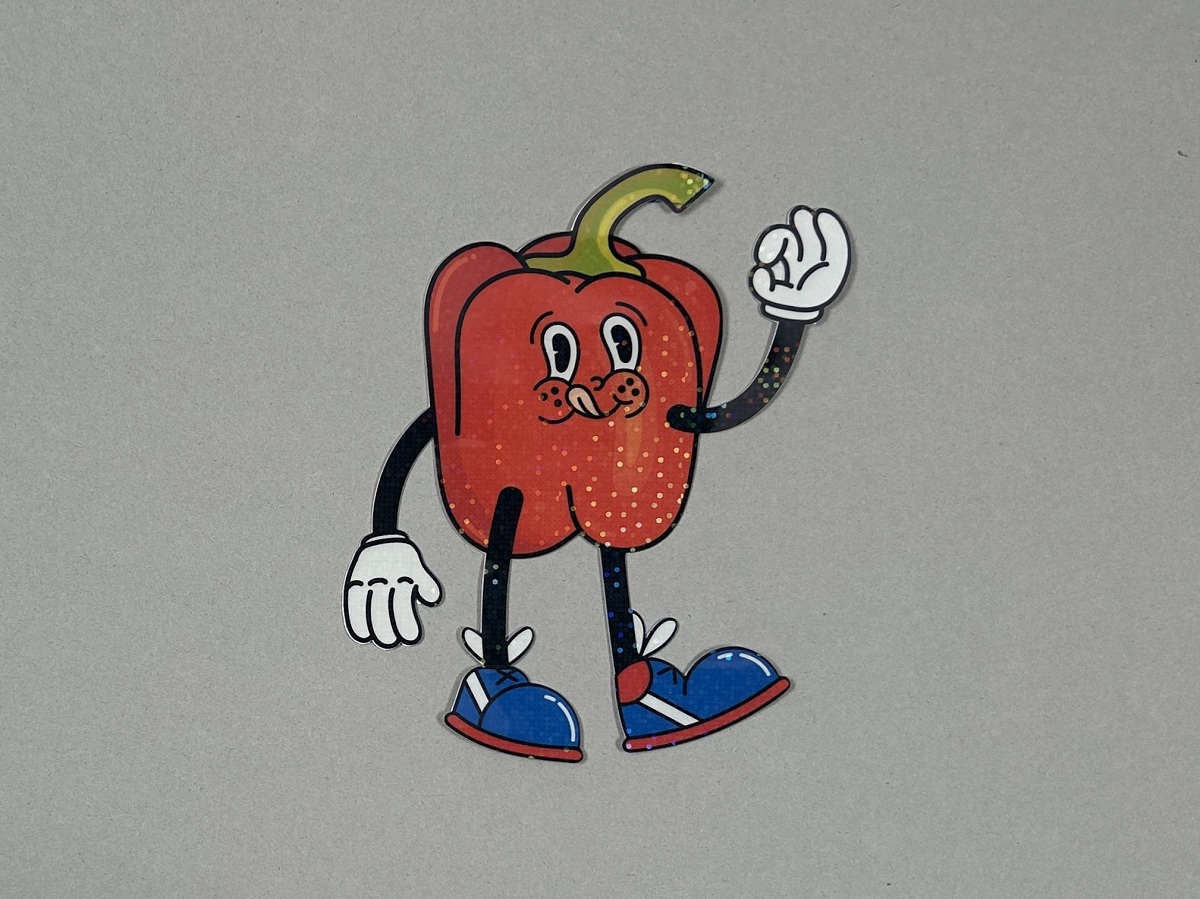
Cutting with a Mat
| Cutting Mat | : | Standard Tack Adhesive Mat |
| Cutting Types | : | *Full Cut |
| Cut Pressure | : | Auto |
| Note | : |
Glossy materials may interfere with the machine’s ability to detect the registration marks.
* When using a cutting mat, please use the [Design Editor] instead of the [Sticker maker] tool. |
- Bellissimo is available only in certain country or region. For details, please check with your local distributor.
- The information and samples shown are only representative examples and do not guarantee quality or performance. Please test with your own materials.
- Some materials shown may not be available in certain country or region.
- For proper handling and usage of each material, please refer to the instructions provided by the manufacturer of the material you purchased.
- Some designs may not be available in the Artspira app depending on your country or region.