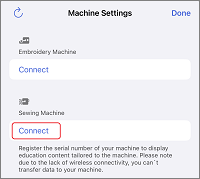
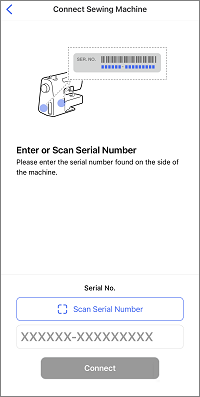
Installing the app
- Access Google Play or the App Store on your mobile device.
- Install the [Brother Artspira] app.

Artspira provides content such as recipes (Artspira Magazine) and how-to videos.
If you are using Sewing machine, Overlock, or Cover sititch machine, please complete the [Machine Settings] and make full use of Artspira.
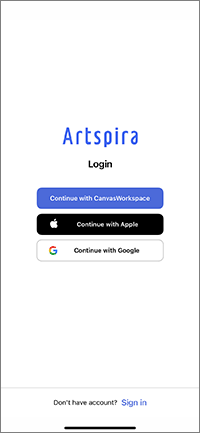
 in the home screen to start connecting with your machine.