

Home > Store and Manage Templates (P-touch Library) > Print Templates Using P-touch Library (Windows)


Print Templates Using P-touch Library (Windows)
- Start the P-touch Library.
Windows 11:
Click .
*Depending on your computer's operating system, the Brother P-touch folder may or may not be created.
Windows 10:
Click .
- Windows 8.1:
Click the P-touch Library icon on the Apps screen.
The main window appears.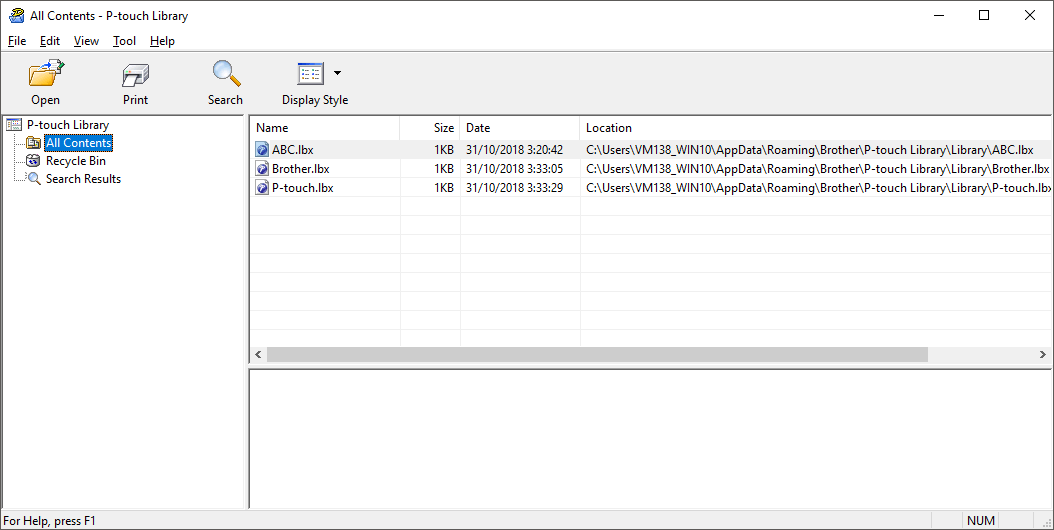
- Select the template you want to print, and then click Print.
The connected Label Maker prints the template.
Did you find the information you needed?