

Home > Print Labels > Print Labels > Mirror Printing


Mirror Printing
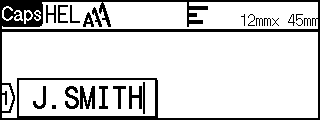
Use clear tape in [Mirror / 鏡像列印], so the labels can be read correctly from the opposite side when attached to glass, windows, or other transparent surfaces.
 |  |  |
- Press
 and
and  .
. - Press
 or
or  to select [Mirror / 鏡像列印], and then press OK(執行).
 - Press or OK(執行).
Did you find the information you needed?