
 |
FAQs & Troubleshooting |
When I embroider using certain Artspira fonts, my text has white spaces, missing or unevenly spaced letters, or crowded stitches.
-
Certain fonts, including
 Standard Quality fonts, may not convert or scale correctly due to character shapes.
 - Some characters cannot be embroidered accurately or won't convert, so you may need to choose a different font.
- We recommend test sewing before embroidering your final project.
Cause
Depending on the font and the text size you use, the following may occur:
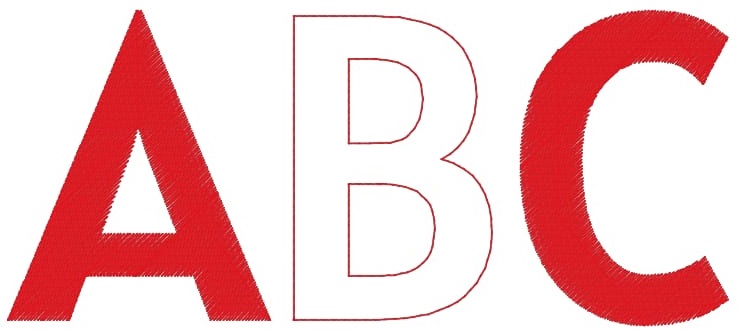
Case 1: White spaces
* This example of white space shows the letter B's outline, but no fill. Note that this may not happen with this specific font or this specific letter.
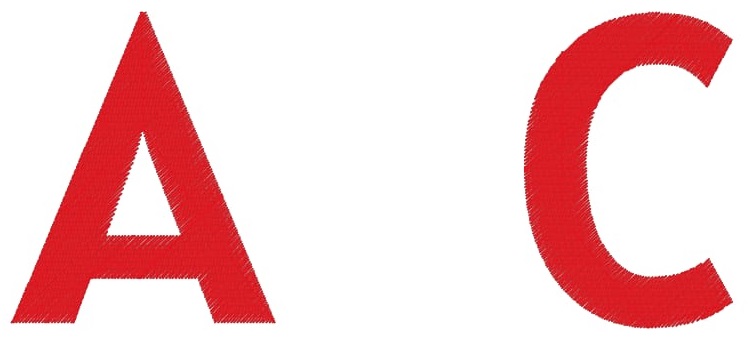
Case 2: Missing letters
* This example of missing letters shows that the letter B is completely missing. Note that this may not happen with this specific font or this specific letter.
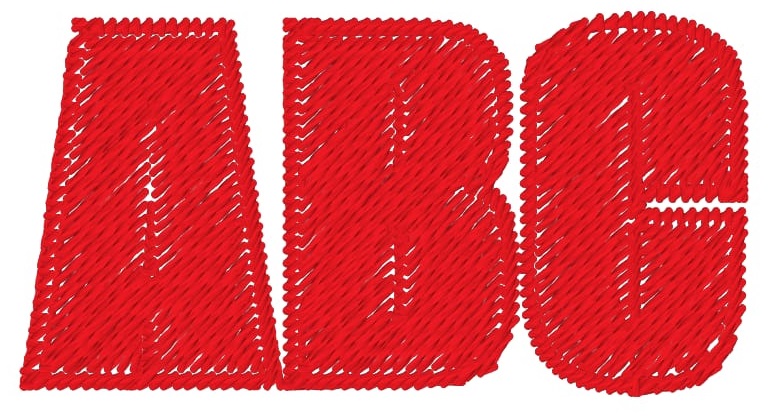
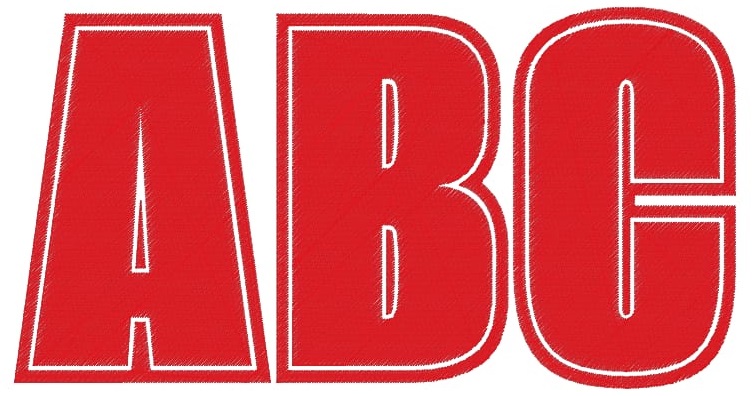
Case 3: Crowded stitches
* This example of crowded stitches shows that the letters are over-stitched and difficult to read. This could happen with any font or letters if they are not scaled correctly.
Solution
-
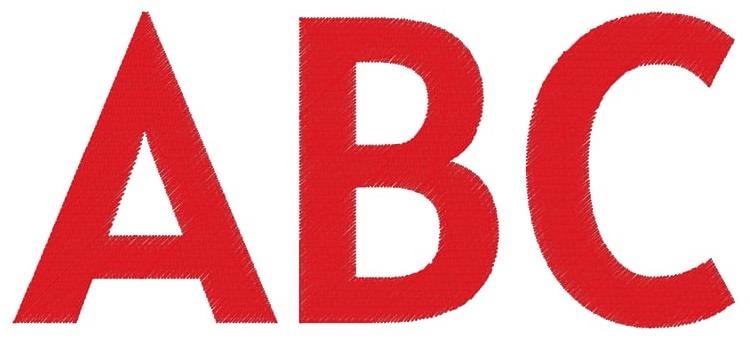
For Cases 1 and 2, preview your text on the app screen before embroidering, and make any changes or corrections needed.
-
For Case 3, the LCD preview may not be enough to decide, so you may want to test sew before embroidering.
-
Try the following:
- Adjust the font size.
- Use a different font.
Related Models
EV1, EV1-LE, Innov-is BX1, Innov-is BX1e, Innov-is CX1e, Innov-is NQ1700E, Innov-is NQ3550W, Innov-is NQ3700D, Innov-is NS1250E, Innov-is NS1850D, Innov-is NS2850D, Innov-is XE1, Innov-is XE2, Innov-is XJ1, Innov-is XJ2, Innov-is XP1, Innov-is XP2, Innov-is XP3, LB5500, PE545, PE570, PE900, PP1, PR1055X, PR1060W, PR680W / PR680WC, SE2000, SE700, SE725
